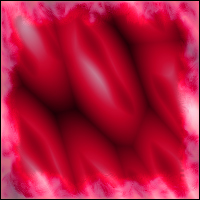
AAA Blender is Free Filter from 8bf for more information on this filter and more setting adjustments go to:
http://8bf.net/ablender.html
To Download this filter click the link below:
The plugin will show up on your plugin menu under AAA Filters.
Files included are:
- ablender.8bf
- DevIL.dll
- sample masks and textures
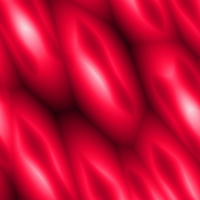
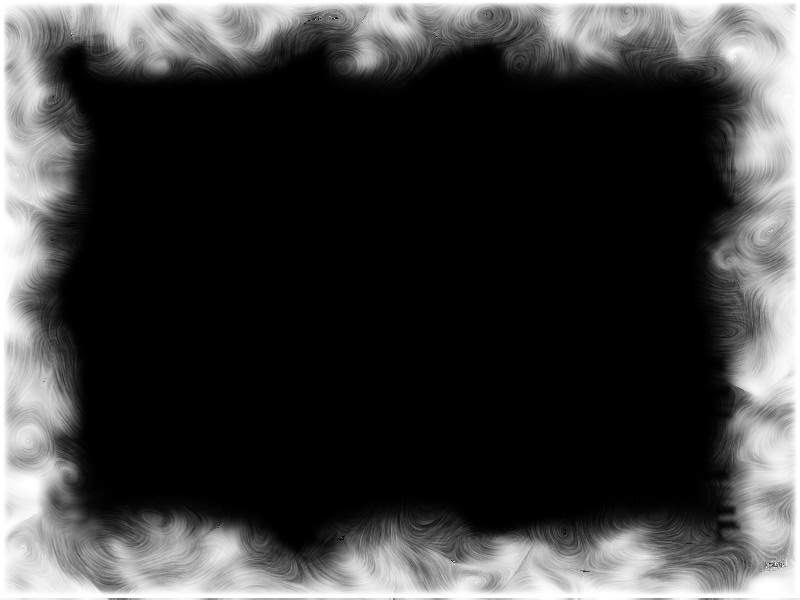
I click on open layer and I picked the mask below (file name: 1A-Mask-02.jpg)
(You can use any mask file that is in .jpg, .psd, and .bmp)
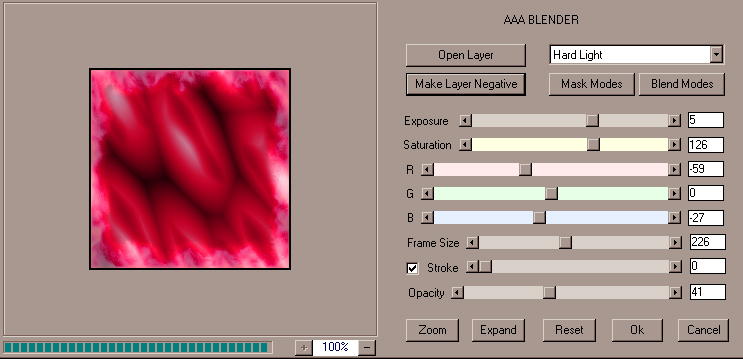
Hard Light, Make Layer Negative, Exposure 5, Saturation 126, R -59 G 0 B -27 Frame Size 226, Checked Stroke but 0, Opacity 41.
I used the above settings to achieve the below effects: